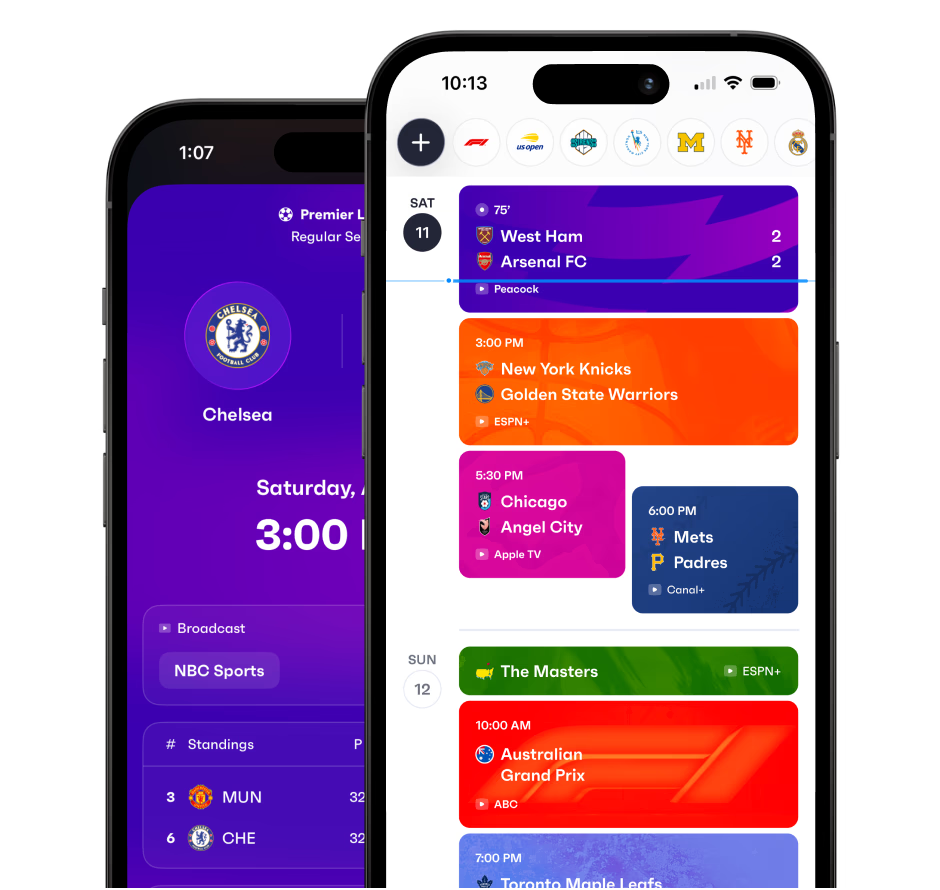
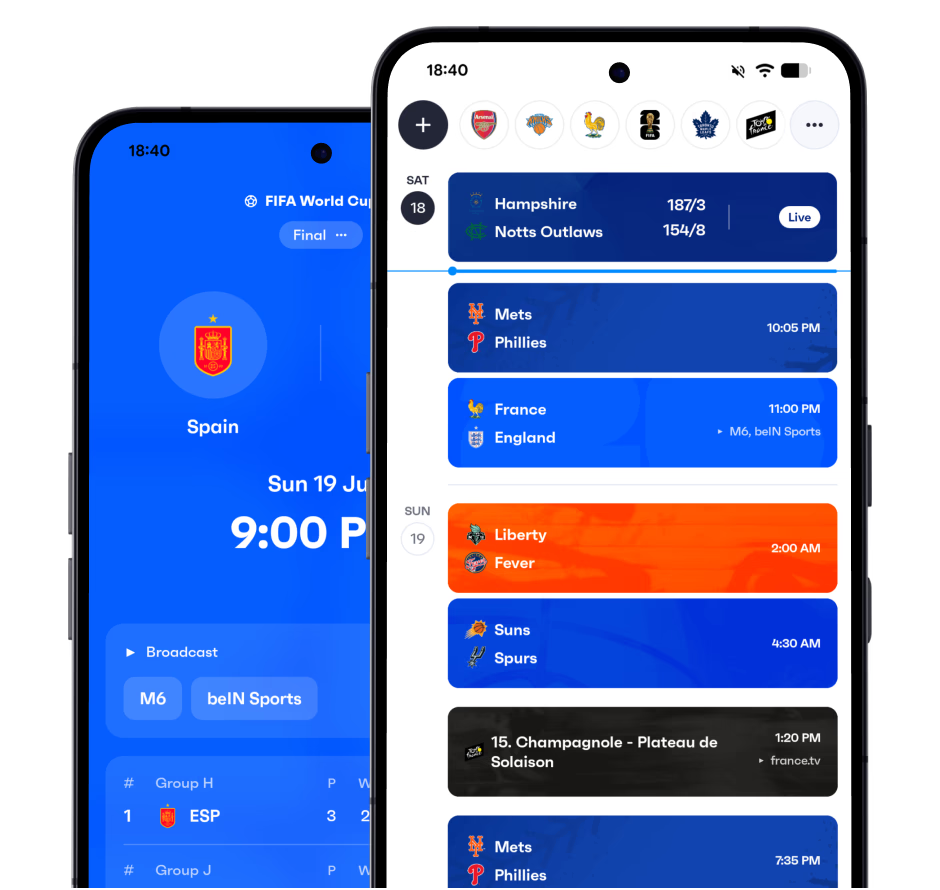
Sync Black Hills State Yellow Jackets (W) to your calendar
Add the Black Hills State Yellow Jackets (W) schedule to your favorite calendar app.
Frequently asked questions
- How do I add the Black Hills State Yellow Jackets (W) schedule to Google Calendar?
- Download the Fixtured app, follow Black Hills State Yellow Jackets (W), then turn on calendar sync. You get a calendar you can add to Google Calendar, Apple Calendar or Outlook.
- Can I add Black Hills State Yellow Jackets (W) games to my iPhone or Android calendar?
- Yes. Fixtured is available for iPhone and Android and works with Apple Calendar, Google Calendar and Outlook, so Black Hills State Yellow Jackets (W) games can sit on whichever calendar you already use.
- Will new Black Hills State Yellow Jackets (W) games be added automatically?
- Yes. Once Black Hills State Yellow Jackets (W) is synced, new fixtures and schedule changes show up on your calendar automatically.
- Can I sync more than Black Hills State Yellow Jackets (W) to my calendar?
- Yes. Everything you follow in Fixtured can go into a single calendar feed, and you can customise what's included.
- Is calendar sync free?
- Calendar sync is a premium feature of the Fixtured app.